
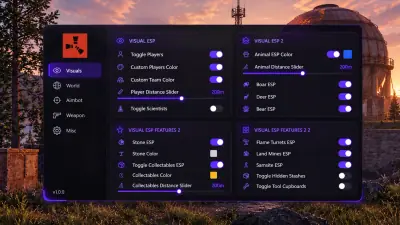
Rust Overlay Settings: Text, Boxes and Render Rates
Use the documented size and rate controls to keep the overlay readable without inventing performance presets.
Begin with the information on screen
Configuration provides font size, icon size, corner size, box width, skeleton size and game width sliders. Before changing their values, review which ESP fields and groups are enabled. Large labels cannot resolve a display filled with irrelevant markers. The filtering guide is a useful starting point for deciding which objects belong in the view.
Adjust the controls with a clear purpose
Font and icon sizes help tune the readability of labels and symbols. Box width and skeleton size relate to their respective display elements. The precise scaling behavior of corner size and game width is not established here, so avoid assuming they control a specific screen dimension. Use current instructions and change one setting at a time so its effect is easier to identify.
Keep update and render rates distinct
The overlay has separate update rate and render rate sliders. Their presence does not establish a recommended value, a particular frame rate gain or a preset for a specific GPU. Check the live display after changing either control. Keep the game’s own performance settings separate from overlay configuration, and do not treat an anecdotal setting as a measured performance result.
Review convenience and capture settings separately
Configuration also lists a watermark toggle and a close cheat control. A stream proof claim appears in the product description, but its enablement is absent from the published menu list. Confirm that behavior through Support before relying on capture exclusion. The FAQ records the uncertainty. The Rust product page provides the complete documented controls and Windows requirements without treating illustrations as proof of extra settings.