
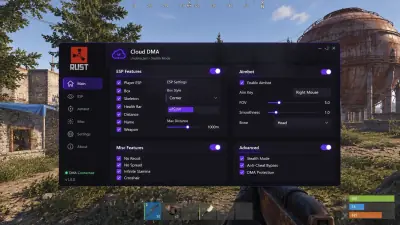
Cloud DMA for Rust: What the Complete Setup Needs
Understand the separate purchases, Windows preparation and account instructions behind the Cloud DMA setup.
Count every separate product
Full Rust functionality depends on Cloud DMA, which is purchased separately from Rust Cheats. Cloud DMA then requires GREENWARD, Static Server and AWS. Those are three distinct additional products. Static Server and AWS are both required, so treating them as alternative names leaves a gap in the setup. Review the Cloud DMA product page before ordering the main subscription.
Check the PC you intend to use
The documented arrangement runs Hyper V on the gaming PC. It does not require a second tower or an external DMA box. Confirm that your Windows edition supports Hyper V and that CPU virtualization is enabled in firmware. Read each product’s requirements together, since meeting the Rust overlay’s hardware list alone does not establish that the virtual environment is ready.
Keep the security requirements together
Rust Cheats lists Windows 10 or 11, at least 8 GB RAM and a dedicated GPU. HVCI, Core Isolation, TPM and Secure Boot must be enabled. Cloud DMA also needs a stable connection for activation and ongoing connectivity. Use the current account instructions to prepare the environment. Avoid replacing that sequence with settings copied from an unrelated loader guide.
Check access terms before installation
The Cloud DMA license covers its infrastructure layer. It does not include the Rust overlay or the three supporting purchases. Read the access terms for each item at checkout and keep the account instructions available during installation. The complete purchase checklist explains how the orders fit together. Confirm current compatibility through Support after major updates; the setup does not guarantee protection from penalties.